Mobile access
BetTOM app and mobile casino experience
 Available in GB
BetTOM has a verified UK App Store listing for a native Apple app. The listing identifies BetTom as a casino and live sports betting app, supports iPhone and iPad, is rated 18+, and currently requires iOS or iPadOS 15.6 or later. BetTOM is also available through a mobile-friendly browser experience. A current Android app is not confirmed here because a direct, current Google Play listing was not verified.
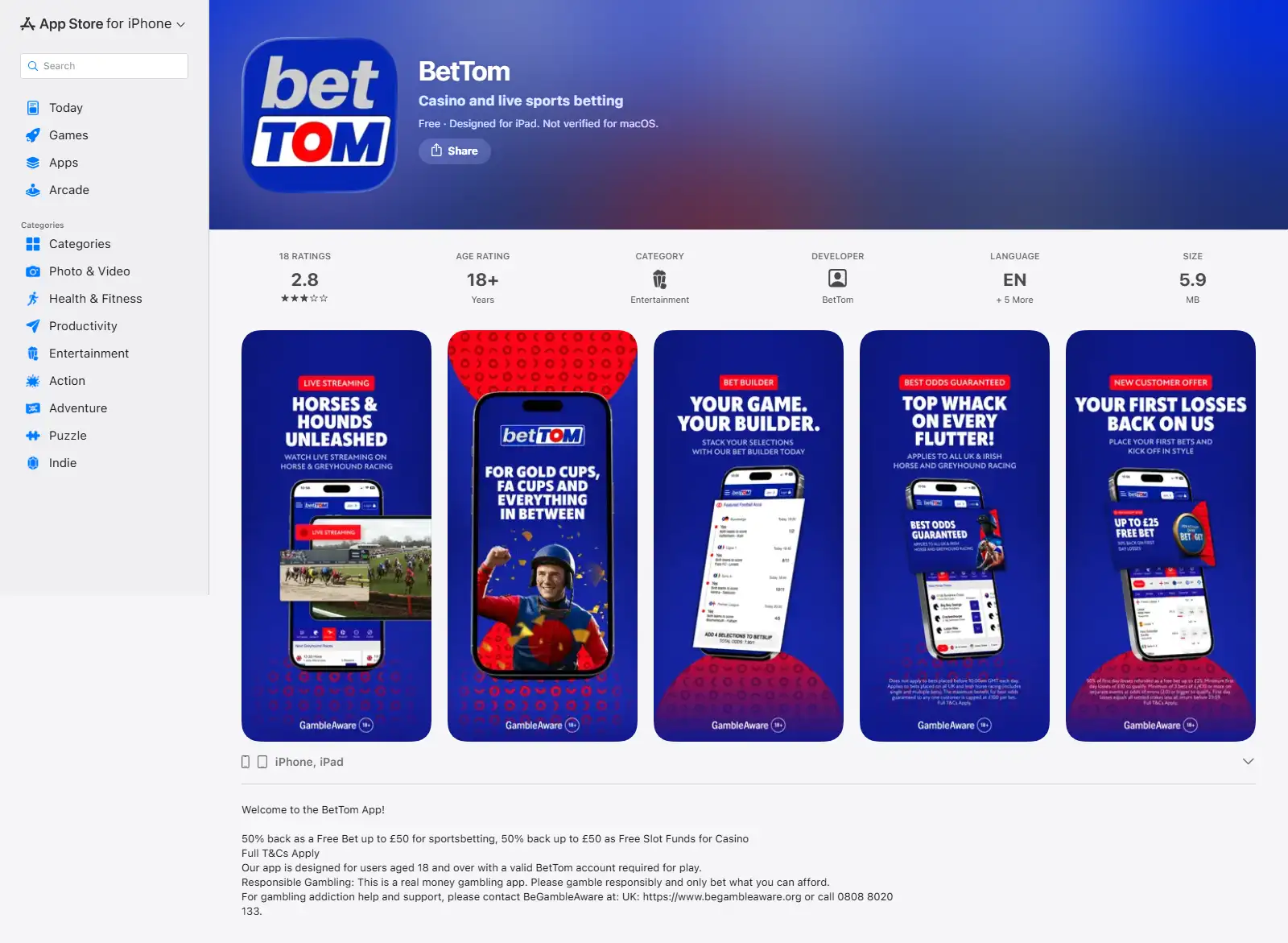
Table of Contents
- The verified native app is on iPhone and iPad
- What the iOS app gives you
- Mobile web is a separate access route
- Casino games on a smaller screen
- Live casino is the tougher mobile test
- Why Android is deliberately left unverified
- How to choose between the app and mobile web
- What to test on your own phone before relying on the mobile experience
- Choose between the iOS app and mobile web by the task you need
- Test interruptions before relying on mobile for account actions
- How BetTOM works on iPhone, iPad and the mobile web in the UK
The verified native app is on iPhone and iPad
The direct UK Apple App Store listing is the strongest current evidence for native-app availability. It names the app BetTom, describes it as covering casino and live sports betting, and lists compatibility with iPhone and iPad. The store also identifies Bet Tom Ltd as the provider and gives the product an 18+ age rating.
| Mobile route | Current evidence | What this guide claims |
|---|---|---|
| iPhone | Direct UK App Store listing | Verified native iOS app availability. |
| iPad | Direct UK App Store listing | Verified native iPad app availability. |
| Mobile browser | Multiple current independent tests | BetTOM is mobile-friendly through a browser. |
| Android | No direct current Google Play listing verified | Not claimed as verified here. |
What the iOS app gives you
The App Store description positions the app as a combined casino and live sports betting product rather than a casino-only wrapper. That means the practical value is continuity: a BetTOM account can be accessed from a native Apple interface while still covering the two main product areas associated with the brand.
The store listing also gives a concrete compatibility threshold: iPhone currently requires iOS 15.6 or later and iPad requires iPadOS 15.6 or later. Those operating-system requirements are more useful than vague claims about “all modern devices” because they let you check compatibility before installation.
Mobile web is a separate access route
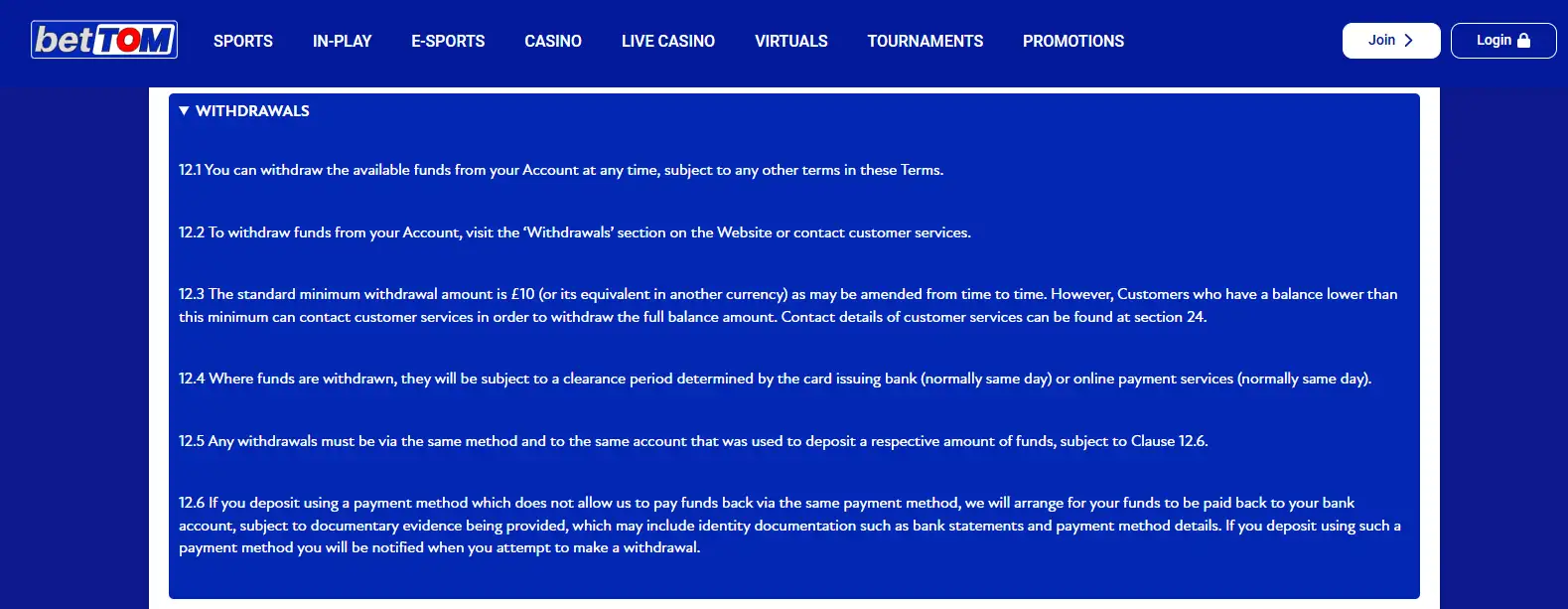
A native app is not the only way to use BetTOM on a phone. Current independent reviews consistently describe the website as mobile-friendly, and first-hand testing has been carried out through the mobile website for account and payment tasks. That makes the browser version relevant even for iPhone users who prefer not to install another app.
No installation
The mobile site runs in the browser, so there is no App Store download or device-storage decision.
Same account context
The browser route is still tied to the BetTOM account rather than functioning as a separate casino product.
Useful fallback
If an app update, device compatibility issue or storage constraint gets in the way, the mobile web route remains the practical alternative.
Casino games on a smaller screen
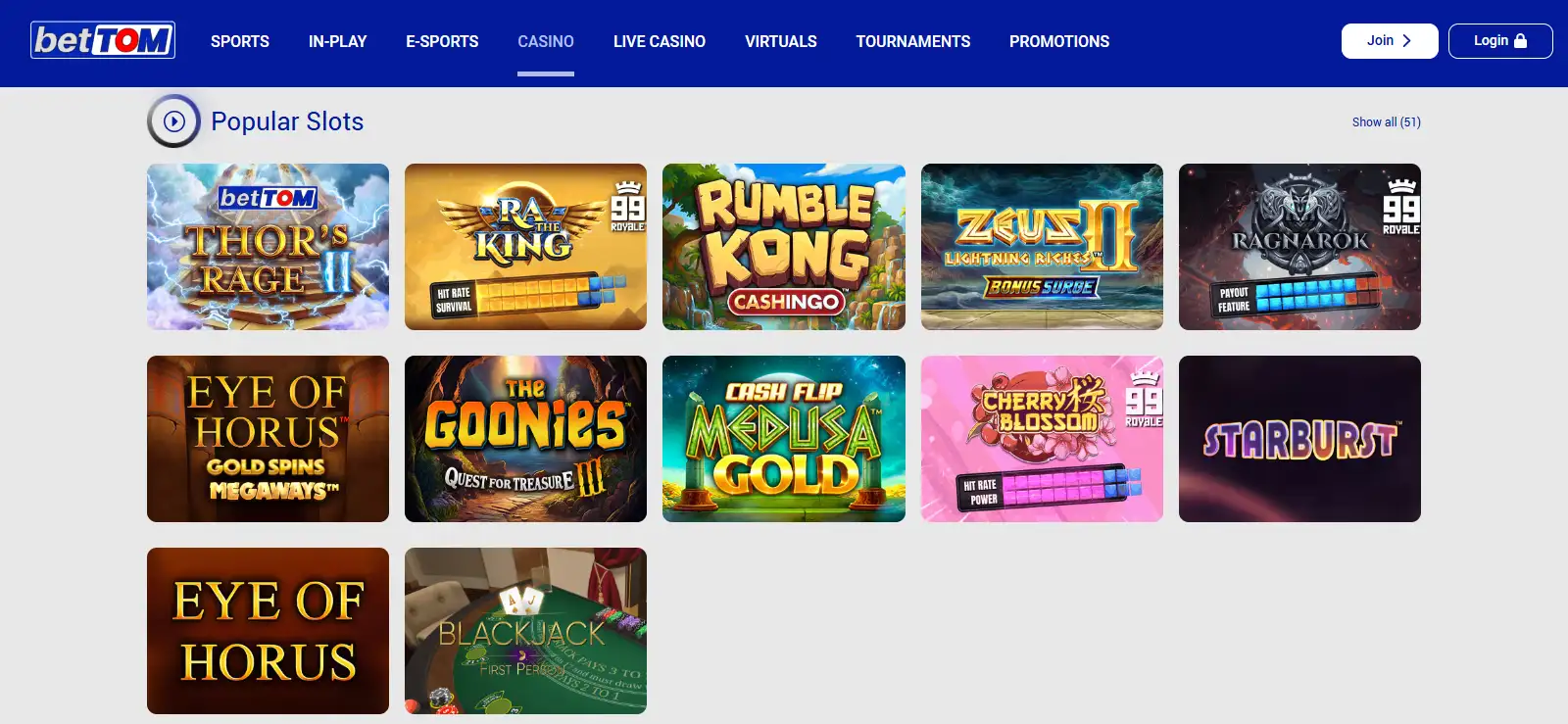
BetTOM offers slots plus table and live-casino content, so mobile usability has to cover more than a simple sportsbook list. Slot interfaces are generally compact, but search, provider navigation and game-category browsing still determine how quickly a player can find a title. The casino games covers the catalogue and provider evidence in more depth.
Do not use mobile app ratings as a shortcut for game quality. Store ratings combine opinions about many parts of the product, including betting, login, support and account restrictions. They are not a clean measure of the casino library itself.
Live casino is the tougher mobile test
Live dealer games put more pressure on a phone interface because video, betting controls, game state and table information all compete for the same screen. BetTOM’s current live-casino evidence includes blackjack, roulette, baccarat and hosted formats, with Evolution and Pragmatic Play Live repeatedly identified in recent coverage.
On mobile, connection stability and screen size can matter more than whether you use the native app or browser. If live play is central to your decision, read the live casino and then test the current lobby on the device you actually plan to use.
Why Android is deliberately left unverified
Some current third-party reviews say an Android app exists, but a direct current Google Play listing was not verified. Without that store evidence, it is better to leave native Android availability unconfirmed rather than turn a secondary claim into a certainty.
What this means for Android users
This page is not saying that an Android app does not exist. It is saying that Android native-app availability is not directly verified here. The mobile website remains the verified practical route to discuss without guessing.
How to choose between the app and mobile web
- Use the iOS app if you want a native Apple installation. Check that the device meets the current iOS or iPadOS requirement.
- Use mobile web if you want zero installation. It is the simplest route across devices and avoids reliance on an app-store build.
- Test the casino lobby on your real device. Search, category navigation and live-game controls are more meaningful than generic mobile scores.
- Ignore unsupported Android certainty. Use a direct Google Play listing as the standard before treating native Android availability as confirmed.
For the wider brand context, return to the BetTOM review.
What to test on your own phone before relying on the mobile experience
Compatibility is only the first part of mobile quality. Once the site or app opens, check how quickly the casino lobby loads on the connection you normally use, whether search and category filters remain easy to reach, and whether account controls are readable without repeated zooming. These small interface details matter more in routine use than a generic statement that a site is “mobile optimised”.
For live casino, test orientation and screen density as well. A portrait display can be convenient for one-handed use, while a landscape view may make streamed tables and betting controls easier to read. If the interface forces important controls below the fold or makes table information difficult to follow, the fact that the game technically loads is not enough to make the experience comfortable.
Account tasks deserve their own test. Registration, deposit confirmation, identity prompts and withdrawal status should be easy to locate from the same device you expect to use most often. On iPhone and iPad, the native app provides one route and the mobile browser provides another. Comparing both can help you decide whether installation adds anything useful for your own pattern of play.
Notifications and login behaviour are another practical difference between app and browser access. A native app can integrate more closely with device-level notification and biometric features when those options are offered, while a browser keeps the experience inside the web session. Before enabling any convenience feature, check the device privacy settings and make sure a shared phone or tablet will not expose account information through lock-screen notifications or saved sessions.
Battery use and data consumption matter most for video-heavy products. Live dealer tables continuously stream video, so a long session can use more mobile data and power than browsing account pages or playing a lightweight game. If you are away from Wi-Fi, test a short session first and watch connection quality rather than assuming native app access automatically improves the stream. The practical winner between app and browser can therefore depend on the device, network and the part of BetTOM you use most.
Choose between the iOS app and mobile web by the task you need
The verified iPhone and iPad listing gives Apple users a native route, while the mobile website remains a separate browser route. The practical comparison is therefore about how you prefer to reach the same account functions, not about assuming that an installed app is automatically better for every task.
If you use the browser, test the actions you expect to rely on later: sign in, move between the casino and live sections, open the cashier and find account settings. If you use the iOS app, check the same tasks there so the decision is based on the workflow that matters to you rather than a store listing alone.
Android remains a different evidence question. Without a directly verified current Google Play listing, do not treat a third-party download page or an app-like browser shortcut as proof of an official Android app. Android users can still evaluate the mobile website as the verified route described on this page.
Test interruptions before relying on mobile for account actions
Phones routinely switch between a casino page, banking app, authentication prompt and other tabs. After returning to BetTOM, confirm the account or transaction state before repeating an action. That habit can reduce confusion around duplicate deposits or incomplete navigation without implying a BetTOM-specific session rule.
Check both routes before deciding which one you prefer for routine use.
How BetTOM works on iPhone, iPad and the mobile web in the UK
UK players have two directly supportable mobile routes: the verified BetTOM iOS/iPadOS app from Apple’s UK store and the mobile-friendly website. The native Apple listing gives clear evidence for iPhone and iPad compatibility, while the browser route remains useful across devices. Android should be treated separately until a direct current Google Play listing is verified rather than inferred from third-party reviews.
Created by the ”Bettom Casino” editorial team.